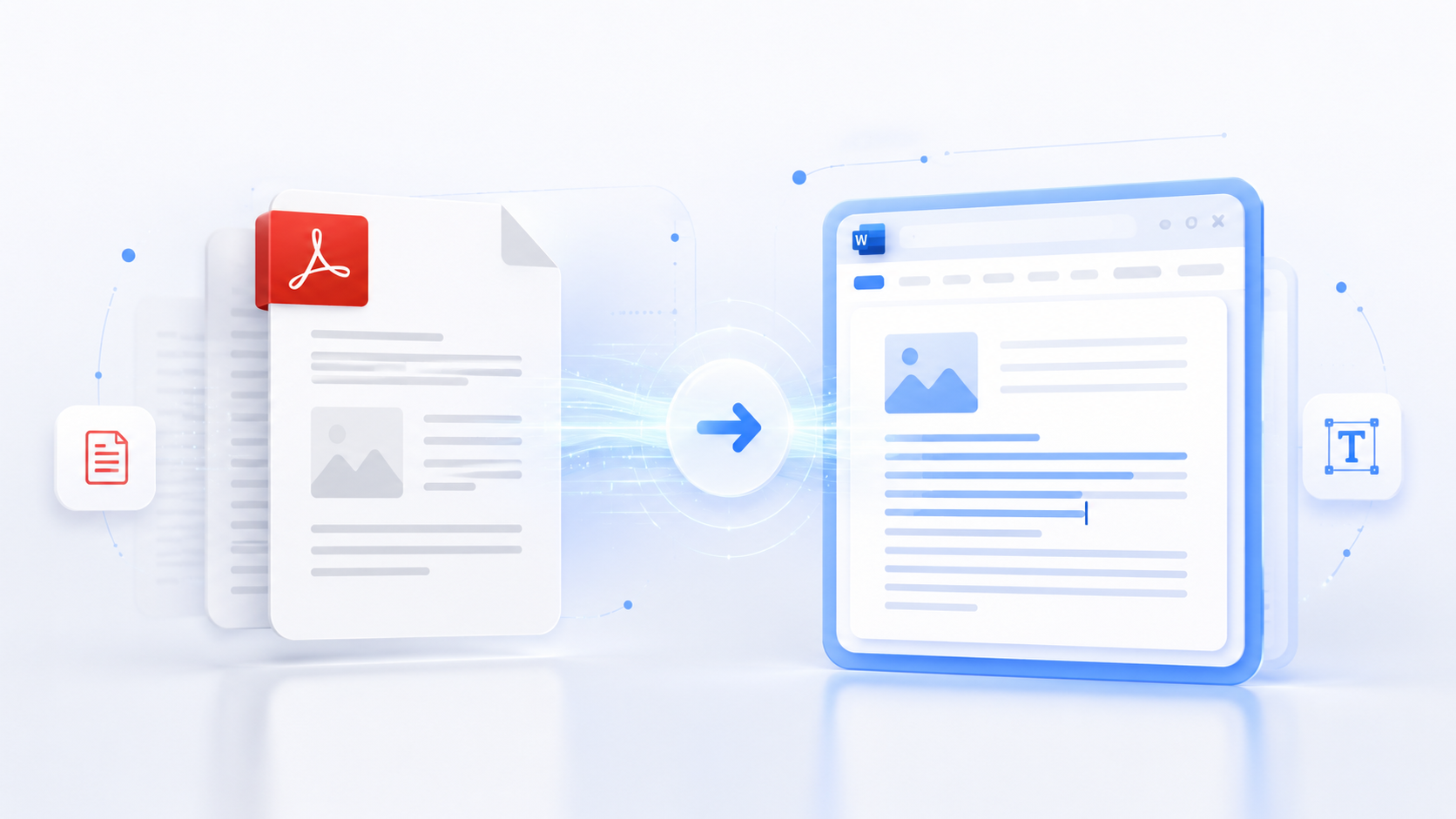
PDF files are everywhere in our digital world. They're the standard format for sharing documents because they preserve formatting across different devices and platforms. But there's one major problem—PDFs aren't easily editable. When you receive a PDF that needs changes, you're stuck unless you know how to convert it to an editable format like Word.
Converting PDF to Word used to require expensive software or complicated workarounds. Today, online tools make this process simple, fast, and completely free. Whether you need to edit a contract, update a report, or modify a document you received, PDF to Word conversion gives you the flexibility to work with content in familiar editing environments.
In this comprehensive guide, we'll explore everything you need to know about converting PDFs to Word documents. We'll cover what PDF to Word conversion is, why you might need it, the best methods for conversion, and how to use our free online tool to get accurate results every time.
What is PDF to Word Conversion?
PDF to Word conversion is the process of transforming documents from Portable Document Format (PDF) into Microsoft Word format (.docx). PDF files are designed to preserve document formatting exactly as intended, making them perfect for sharing and printing. However, this same preservation makes them difficult to edit. Word documents, on the other hand, are fully editable and allow you to modify text, formatting, images, and other elements.
The conversion process extracts the content from a PDF—including text, basic formatting, and structure—and reconstructs it in Word format. This transforms a static, read-only document into an editable file you can modify in Microsoft Word or any compatible word processor. The converted Word file retains the essential content from the PDF while making it accessible for editing.
PDF to Word conversion is particularly valuable because PDFs have become the de facto standard for document sharing. Contracts, reports, forms, academic papers, and countless other document types are routinely distributed as PDFs. When you need to work with this content—whether to make edits, extract information, or repurpose material—conversion to Word provides the flexibility you need.
Why People Need PDF to Word Conversion
The need for PDF to Word conversion arises in countless situations across personal, academic, and professional contexts. Understanding these scenarios helps you appreciate why this conversion capability is so essential in modern document workflows.
Students frequently encounter PDF to Word conversion needs. Course materials, lecture notes, research papers, and academic articles are often distributed as PDFs. While these resources are valuable for learning, students sometimes need to extract quotes for papers, add their own notes, highlight important information, or modify content for their own work. Converting PDFs to Word transforms static study materials into interactive learning resources.
In office and business environments, PDF to Word conversion is practically a daily requirement. Contracts may need minor revisions before signing, reports might require updates with new data, proposals could need customization for different clients, and forms often need personalization. Instead of requesting new versions from senders or retyping entire documents, professionals can convert PDFs to Word and make necessary changes directly, saving time and maintaining workflow efficiency.
Freelancers and consultants work with client documents in various formats throughout their projects. When clients provide materials in PDF format, freelancers need to edit proposals, modify templates, extract content for portfolios, or customize deliverables. PDF to Word conversion provides the flexibility to work with client materials without being constrained by the original file format, improving both efficiency and client service.
Researchers and academics deal with numerous PDF documents including research papers, journal articles, conference proceedings, and archival materials. Converting these to Word makes it easier to extract findings, compile literature reviews, create summaries, and incorporate content into their own research. It bridges the gap between static academic resources and active research workflows, enabling more efficient knowledge work.
Content creators and marketers often need to repurpose content from PDFs. Whether extracting text from a white paper for a blog post, adapting a report for social media, or modifying a template for a campaign, PDF to Word conversion provides the foundation for content adaptation. It transforms locked content into flexible material that can be adapted across different platforms and formats.
Best Methods for PDF to Word Conversion
Several methods exist for converting PDFs to Word documents, each with advantages and limitations. Understanding these options helps you choose the right approach for your specific needs and constraints.
Online PDF to Word converters are the most convenient option for most users. These web-based tools require no software installation—you simply upload your PDF to a website and download the converted Word file. They're perfect for quick conversions, occasional use, or when you're working across different devices. The best online converters are free, have no file size limitations, and process everything in your browser for privacy. Our free PDF to Word converter is a great example—no signup required, no file size limits, and complete privacy as processing happens in your browser.
Desktop PDF conversion software offers more advanced features for professional use. Programs like Adobe Acrobat Pro, Nitro PDF, and Able2Extract provide batch processing, advanced formatting preservation, OCR for scanned documents, and integration with document management systems. These tools are ideal for businesses that regularly convert large volumes of documents or need to maintain complex formatting. However, they're typically expensive and require installation and learning time.
Microsoft Word itself can open some PDF files directly. Recent versions of Word include PDF import functionality that attempts to convert PDFs to editable Word documents. This built-in feature is convenient if you already have Word installed, but conversion quality varies significantly depending on the PDF's complexity. Simple text-based PDFs often convert well, but complex layouts may produce poor results requiring extensive manual cleanup.
Google Docs offers another free option for PDF to Word conversion. You can upload a PDF to Google Drive, open it in Google Docs, and then download it as a Word file. This method is free and works reasonably well for text-based documents. However, it requires a Google account, and conversion quality depends on the PDF's complexity. It's a good option if you already use Google Workspace but may not be the most efficient for frequent conversions.
For most everyday users, online PDF to Word converters offer the best balance of convenience, cost, and features. They're free, easy to use, work on any device with a web browser, and don't require any technical knowledge. Unless you have specific professional needs that require advanced features, an online converter is likely all you need.
How to Use Toolmatic PDF to Word Converter
Our free PDF to Word converter is designed to be intuitive and easy to use, even if you've never converted a PDF before. Here's a step-by-step guide to getting the best results.
Start by preparing your PDF file. For the best conversion results, use text-based PDFs rather than scanned documents or image-based PDFs. Text-based PDFs contain actual text data that can be extracted accurately, while scanned PDFs are essentially images of text and require OCR technology for conversion, which may be less accurate.
Upload your PDF to our tool. You can either drag and drop the file directly onto the upload area or click to browse your device's files. Our tool supports PDF files up to 10MB in size, which covers most documents including reports, essays, contracts, and business materials. There are no file size limits beyond this, and no restrictions on the number of conversions you can perform.
Review the file information to ensure it's the correct document. The tool displays the filename and file size, helping you verify you've selected the right PDF before conversion. If you selected the wrong file, simply click "Change File" to select a different one.
Click the "Convert to Word" button to start the conversion process. Our tool will display a progress indicator showing the conversion status. Processing typically takes 10-30 seconds depending on file size and complexity. The progress indicator keeps you informed so you know the tool is working.
Download your converted Word file when conversion is complete. The tool generates a success message with a download button. Click to download your .docx file, which you can then open in Microsoft Word, Google Docs, or any compatible word processor. The converted file will have the same name as your original PDF with a .docx extension.
Open the converted file in your word processor to review and edit. While our converter preserves basic formatting like paragraphs and headings, complex layouts may require some manual adjustment. This is normal for PDF to Word conversion—some cleanup is often needed, especially with documents containing tables, columns, or intricate formatting.
For best results, experiment with different PDFs to understand how our tool handles various document types. Text-heavy documents like reports and essays typically convert very well. Documents with complex layouts may require more manual adjustment, but the extracted text will still be accurate and usable.
Benefits of PDF to Word Conversion
Converting PDFs to Word documents offers numerous benefits that improve productivity and workflow efficiency across various contexts. Understanding these benefits helps you appreciate why this capability is so valuable.
Editability is the primary benefit. PDFs are designed for sharing and preservation, not editing. Converting to Word transforms static documents into editable files, giving you full control over content. You can modify text, adjust formatting, add or remove sections, and customize the document to meet your specific needs without being constrained by the original PDF format.
Time savings are significant. Without conversion, working with PDF content requires retyping or requesting new versions from senders. Both options are time-consuming and inefficient. PDF to Word conversion lets you extract and modify content in seconds rather than hours, dramatically improving productivity for anyone who regularly works with PDF documents.
Content repurposing becomes possible with PDF to Word conversion. When you have content in a PDF that you want to use elsewhere—whether in a report, presentation, website, or marketing material—conversion makes the content accessible. You can extract text, adapt formatting, and repurpose material across different platforms and formats without being limited by the PDF's static nature.
Collaboration improves when documents are in editable formats. While PDFs are great for final versions, collaborative work often happens in Word or similar formats where multiple people can make changes, track revisions, and add comments. Converting PDFs to Word enables this collaborative workflow, making it easier to work with others on document projects.
Accessibility is enhanced through conversion. PDFs can be difficult for screen readers and assistive technologies to navigate, especially if they lack proper accessibility tags. Converting to Word and then back to properly tagged PDFs can improve document accessibility, making content more usable for people with disabilities.
Backup and archival flexibility increases with editable formats. While PDFs are excellent for long-term storage, having editable Word versions provides flexibility for future use. You can update content, adapt it for new purposes, or convert it to other formats as needed. This future-proofs your content and extends its usefulness over time.
Frequently Asked Questions
Is PDF to Word conversion accurate?
Conversion accuracy depends on the type of PDF. Text-based PDFs, which contain actual text data rather than images of text, typically convert very accurately with 90-95% accuracy for text content. Basic formatting like paragraphs and headings is usually preserved well. However, complex layouts with multiple columns, intricate tables, or advanced graphics may not be perfectly preserved and may require manual adjustment. Scanned or image-based PDFs require OCR technology for conversion, which can be less accurate depending on image quality and text clarity.
Can I convert password-protected PDFs?
Most PDF to Word converters, including ours, cannot convert password-protected or encrypted PDF files. You'll need to remove the password protection first using the original password or PDF editing software. Once the PDF is unprotected, you can upload it to our converter for processing. This security measure protects both the tool and users from attempting to process files they don't have permission to access.
Will the converted Word file look exactly like the PDF?
Not exactly. While our converter preserves basic formatting like paragraphs, headings, and text styles, complex layouts may not be perfectly replicated. PDFs use sophisticated formatting engines that don't have direct equivalents in Word. Documents with multiple columns, intricate tables, or advanced graphics may require some manual adjustment in Word after conversion. However, the text content will be accurate and usable, which is the most important aspect for most use cases.
Is online PDF to Word conversion safe?
It depends on the specific tool. Some online converters upload your files to their servers for processing, which raises privacy concerns. However, the best online converters, including ours, process everything entirely in your browser using JavaScript. Your PDF files are never uploaded to servers or stored in databases. When choosing an online converter for sensitive documents, look for tools that specify browser-based processing or have clear privacy policies about data handling.
What file size limits exist?
File size limits vary by tool. Our converter supports PDF files up to 10MB, which covers most documents including reports, essays, contracts, and business materials. Some desktop software can handle larger files, while other online tools may have smaller limits. If you need to convert larger files, you may need to split them into smaller PDFs or use desktop software with higher capacity.
Can I convert scanned PDFs to Word?
Scanned PDFs can be converted to Word, but the process requires OCR (Optical Character Recognition) technology to recognize text from images. Our converter works best with text-based PDFs. For scanned documents, the conversion quality depends on image quality, text clarity, and the OCR engine's capabilities. Neat, high-quality scans with clear text produce better results than low-quality or blurry scans. Some specialized tools offer enhanced OCR specifically for scanned documents.
How long does conversion take?
Conversion time depends on file size and complexity. Most documents complete conversion within 10-30 seconds. Simple text-based PDFs may convert in just a few seconds, while larger documents with more pages or complex formatting may take longer. The progress indicator shows conversion status in real-time, so you know exactly how the process is progressing.
Conclusion
Converting PDF to Word has become an essential skill in our document-driven world. Whether you're a student working with course materials, a professional handling business documents, or anyone who needs to modify PDF content, PDF to Word conversion provides the flexibility and editability you need.
Our free PDF to Word converter makes this process simple, fast, and accessible to everyone. With no file size limits, no signup requirements, and complete browser-based processing for privacy, it's designed for everyday use without compromising your data security. The tool supports the most common PDF types and produces high-quality conversions for text-based documents.
As document workflows continue to evolve, the ability to convert between formats remains crucial. PDF to Word conversion bridges the gap between sharing and editing, between preservation and modification. It empowers you to work with content on your terms rather than being constrained by file formats.
Don't let PDF limitations slow down your work. Embrace the power of PDF to Word conversion and transform static documents into editable, flexible resources. Whether you need to make quick edits, extract content for other uses, or repurpose material entirely, conversion gives you the control you need.
Try our free PDF to Word converter now and experience the convenience of modern document conversion for yourself.