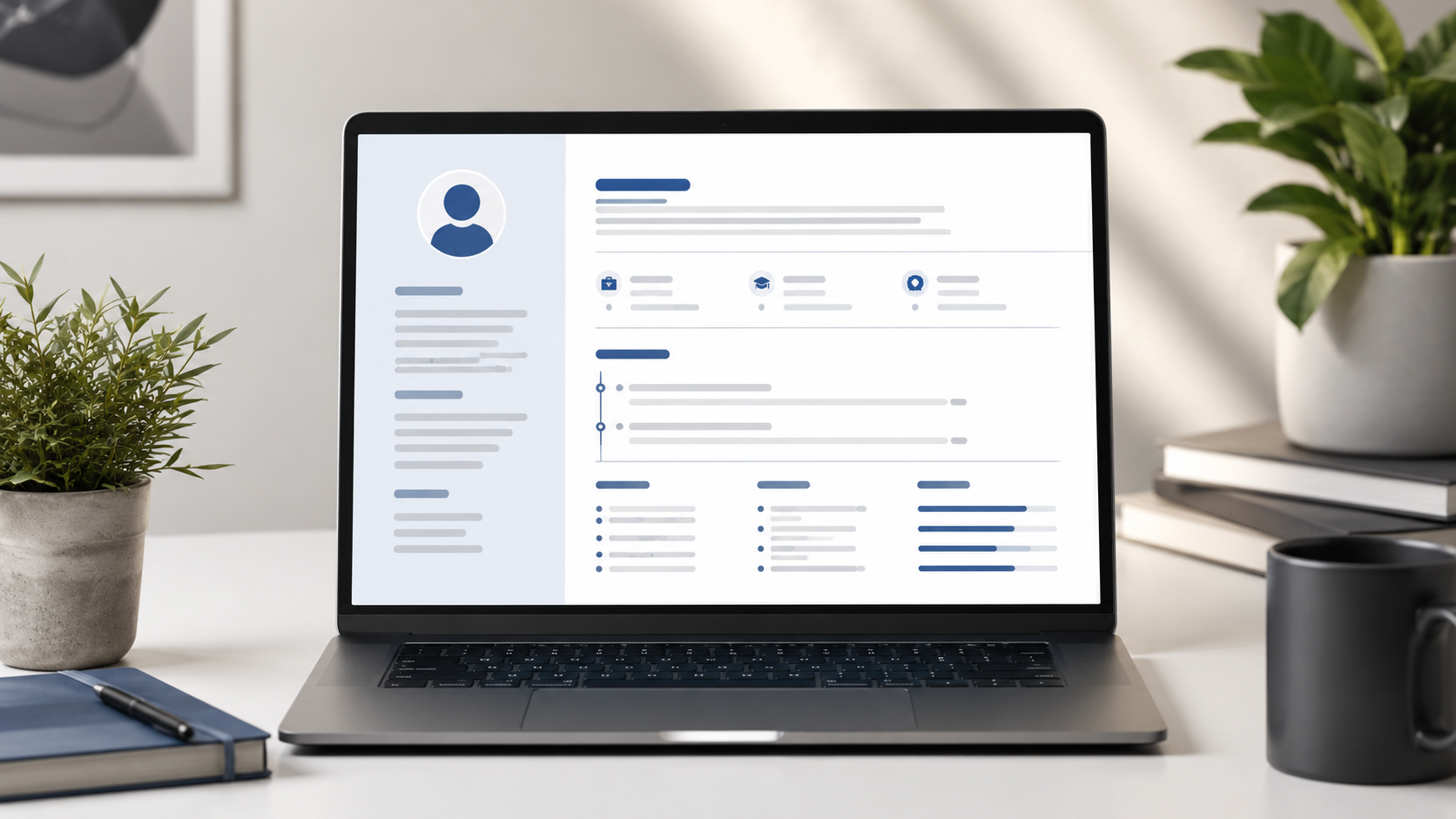
Creating a professional resume is one of the most important steps in your job search journey. Your resume is often the first impression recruiters have of you, and it can determine whether you get called for an interview or passed over. In this comprehensive guide, we'll walk you through everything you need to know about creating a resume that stands out and gets results.
Whether you're a fresh graduate entering the job market, an experienced professional looking to advance your career, or someone changing industries, this guide will help you craft a compelling resume that effectively showcases your qualifications. We'll cover resume formats, essential sections, writing tips, common mistakes to avoid, and how to use modern tools to streamline the process.
What is a Resume?
A resume is a formal document that presents your professional background, skills, and qualifications to potential employers. It's a marketing tool designed to sell your capabilities and convince recruiters that you're the right fit for a position. Unlike a CV (curriculum vitae), which is typically longer and more detailed, a resume is concise and tailored to specific job applications.
The purpose of a resume is to secure an interview, not to get the job directly. It should highlight your most relevant achievements and skills in a way that demonstrates your value to potential employers. A well-crafted resume tells a story about your professional journey and what you can bring to a new role.
Modern resumes typically include sections for contact information, professional summary, skills, work experience, education, and sometimes projects or certifications. The exact structure and content vary based on your experience level, industry, and the specific position you're applying for. Understanding what to include—and what to leave out—is crucial for creating an effective resume.
Resume Format Types
Choosing the right resume format is essential for presenting your qualifications effectively. The three main resume formats each serve different purposes and work better for different situations. Understanding these formats helps you select the best one for your circumstances.
The chronological resume format is the most traditional and widely used. It lists your work experience in reverse chronological order, starting with your most recent position. This format is ideal if you have a steady work history with no significant gaps and want to highlight your career progression. Recruiters like chronological resumes because they're easy to scan and clearly show your career trajectory.
The functional resume format focuses on skills and abilities rather than work history. It groups your experience by skill categories rather than by job. This format works well if you're changing careers, have gaps in employment, or want to emphasize transferable skills over specific job titles. However, some recruiters find functional resumes less straightforward to evaluate.
The combination resume format merges elements of both chronological and functional formats. It starts with a skills summary followed by a chronological work history. This format offers the best of both worlds—highlighting skills while still providing a clear employment timeline. It's particularly effective for experienced professionals with diverse skills across different roles.
For most job seekers, the chronological or combination format works best. These formats are recruiter-friendly and clearly present your qualifications. Choose the format that best showcases your strengths while maintaining clarity and readability. Our free resume builder offers templates that work with various formats to help you create the right style for your needs.
Step-by-Step Resume Creation Guide
Creating a professional resume becomes manageable when you break it down into clear steps. Follow this systematic approach to build a resume that effectively presents your qualifications and catches recruiter attention.
Step 1: Gather Your Information
Before writing your resume, collect all the information you'll need. This includes your contact details, work history with dates, education details, skills, certifications, and notable achievements. Having this information organized beforehand makes the writing process smoother and ensures you don't forget important details.
Create a master document with all your experiences, projects, and accomplishments. Include specific achievements with metrics whenever possible—numbers make your accomplishments concrete and impressive. This master document serves as a reference for creating tailored resumes for different positions.
Step 2: Choose Your Format and Template
Select the resume format that best suits your situation based on your experience level and career goals. Then choose a template that presents your information professionally. Modern templates use clean layouts, professional fonts, and strategic use of white space to create visually appealing resumes.
Our resume builder offers Modern and Minimal templates to suit different preferences. The Modern template features bold headers and blue accents suitable for tech and creative roles. The Minimal template uses a clean, conservative design ideal for corporate and traditional industries. Choose the style that best fits your target industry.
Step 3: Write Your Contact Information
Place your contact information at the top of your resume where recruiters can easily find it. Include your full name, professional email address, phone number, and location (city and state). Consider adding a LinkedIn profile URL if it's complete and professional.
Use a professional email address—your name or a variation is best. Avoid using unprofessional email addresses from your teenage years. If you don't have a professional email, create one specifically for job applications. Your phone number should be one where you can reliably receive calls during business hours.
Step 4: Craft Your Professional Summary
Your professional summary is a brief paragraph (2-3 sentences) at the top of your resume that highlights your key qualifications and career goals. Think of it as your elevator pitch—it should capture who you are professionally and what you bring to the table.
Write a compelling summary that includes your years of experience, key skills, and what you're looking for in your next role. Tailor this section to each job application, emphasizing the qualifications most relevant to the position. A strong summary grabs recruiter attention and sets the tone for the rest of your resume.
Step 5: List Your Skills
Include both hard skills (technical abilities, software proficiency, languages) and soft skills (communication, leadership, problem-solving). Skills are often keyword-matched by ATS systems, so include relevant keywords from job descriptions. Group skills logically—technical skills together, language skills together, etc.
Be honest about your skill levels. Don't claim proficiency in skills you don't actually have. Recruiters may test your skills during interviews, and overstating abilities can backfire. Focus on skills that are genuinely relevant to the positions you're applying for.
Step 6: Detail Your Work Experience
List your work experience in reverse chronological order, starting with your most recent position. For each role, include your job title, company name, location, employment dates, and key responsibilities or achievements. Focus on achievements rather than just listing duties.
Use action verbs to start bullet points—words like "led," "developed," "implemented," "achieved," and "managed" convey accomplishment. Quantify achievements whenever possible using numbers, percentages, and metrics. Instead of saying "responsible for sales," say "increased sales by 25% through targeted marketing campaigns."
Step 7: Include Your Education
List your education, starting with your most recent degree. Include the degree name, institution, location, and graduation date. If you're a recent graduate, education should appear near the top of your resume. For experienced professionals, education typically appears after experience.
Include relevant coursework, academic achievements, or honors if they're relevant to the position. For recent graduates, include your GPA if it's impressive (generally 3.5 or higher). For experienced professionals, focus on your degree rather than academic details.
Step 8: Add Optional Sections
Consider adding sections for projects, certifications, or awards if they strengthen your candidacy. Projects demonstrate practical application of your skills and are particularly relevant for technical roles, freelancers, and creatives. Certifications show commitment to professional development and can differentiate you from other candidates.
Awards and honors recognize your achievements and can provide third-party validation of your capabilities. Include these if they're relevant to the position and recent enough to be meaningful. Volunteer work can also be included if it demonstrates relevant skills or shows character.
Step 9: Review and Proofread
Carefully review your resume for typos, grammatical errors, and formatting inconsistencies. Read it aloud to catch awkward phrasing. Have someone else review it—they may spot errors you missed. Use spell-check tools but don't rely on them exclusively.
Check that all dates are consistent and that there are no unexplained gaps in your employment history. Ensure contact information is correct and that all links work. Our resume builder's real-time preview helps you catch errors as you type and see exactly how your resume will look.
Mistakes to Avoid in Your Resume
Even with good content, common resume mistakes can undermine your efforts. Avoid these pitfalls to ensure your resume presents you in the best possible light and doesn't get disqualified for preventable reasons.
Using Generic Resumes
One of the biggest mistakes is sending the same generic resume to every job application. Recruiters can spot generic resumes easily, and they don't demonstrate genuine interest in the specific position. Tailor your resume for each application by emphasizing the qualifications most relevant to that particular job.
Customizing doesn't mean rewriting your entire resume each time. Focus on adjusting your professional summary, reordering skills to highlight the most relevant ones, and emphasizing specific achievements that align with the job requirements. This targeted approach significantly improves your chances of getting noticed.
Including Irrelevant Information
Your resume should be focused and concise. Include only information that's relevant to the position you're applying for. Personal details like age, marital status, or hobbies are generally unnecessary unless they're directly relevant to the job.
Avoid including outdated skills or experience that doesn't support your current career goals. Every element of your resume should serve a purpose—demonstrating why you're a good fit for the position. Remove anything that doesn't directly support your candidacy.
Using Passive Language
Passive language weakens your resume and fails to convey accomplishment. Avoid phrases like "was responsible for" or "participated in." Instead, use strong action verbs that show what you actually did and achieved.
Replace passive descriptions with active statements. Instead of "was responsible for managing a team," say "managed a team of 15 people." Instead of "participated in project development," say "developed and implemented project plans that improved efficiency by 30%."
Lack of Quantifiable Achievements
Resumes without quantifiable achievements are less compelling. Numbers make your accomplishments concrete and impressive. Whenever possible, include specific metrics that demonstrate the impact of your work.
Quantify achievements in terms of revenue generated, costs saved, efficiency improved, team size managed, projects completed, or any other measurable outcome. These metrics provide evidence of your capabilities and help recruiters understand the scale of your responsibilities and achievements.
Poor Formatting and Design
Inconsistent formatting, small fonts, and cluttered layouts make resumes difficult to read. Recruiters spend only seconds reviewing each resume, so make yours easy to scan. Use consistent fonts, spacing, and formatting throughout.
Choose a professional font like Arial, Calibri, or Times New Roman in 11-12 point size. Use adequate white space to prevent the document from looking crowded. Our resume builder's templates ensure professional formatting automatically, eliminating design concerns.
Typos and Grammatical Errors
Mistakes create a negative impression and suggest lack of attention to detail—qualities employers don't want. Typos and grammatical errors can immediately disqualify you from consideration, especially for positions that require strong communication skills.
Proofread carefully multiple times. Read your resume aloud to catch errors you might miss when reading silently. Have friends or colleagues review it. Use spell-check tools but remember they won't catch all errors—context matters, and spell-check doesn't understand context.
How Toolmatic Resume Builder Helps
Our free resume builder simplifies the resume creation process and helps you avoid common mistakes. The tool provides structured templates, real-time preview, and automatic formatting, allowing you to focus on content quality rather than design mechanics.
The live preview feature shows exactly how your resume will look as you type, allowing you to make adjustments on the fly. This instant feedback loop helps you optimize content and formatting without waiting until the end to see results. You can switch between Modern and Minimal templates to compare options instantly.
Our builder's structured forms guide you through entering each section of your resume, ensuring you don't forget important information. Dynamic sections for education, experience, and projects let you add as many entries as needed while maintaining proper formatting throughout.
The skills input system makes it easy to add and organize your skills. Skills appear as tags in the preview, making them visually appealing and easy to read. You can add or remove skills as needed to tailor your resume for different positions.
PDF download functionality ensures your resume maintains formatting across all devices and platforms. PDFs are the preferred format for job applications because they preserve layout and can be easily opened by recruiters. One click downloads your professionally formatted resume.
Privacy and security are prioritized—all processing happens in your browser, so your personal information is never stored on our servers. You can create your resume with confidence that your data remains private and secure. No account or signup is required, saving you time and protecting your privacy.
Our resume builder is completely free with no limitations. Create unlimited resumes for different job applications without ever paying anything. There are no file size limits, no restrictions on the number of resumes, and no premium features locked behind paywalls.
Frequently Asked Questions
How long should a resume be?
Resume length depends on your experience level. Recent graduates should stick to one page. Professionals with 5-10 years of experience typically use 1-2 pages. Senior executives with extensive experience may use 2-3 pages. The key is conciseness—every word should serve a purpose. Quality matters more than length, so don't pad your resume with irrelevant information to reach a specific page count.
Should I include a photo on my resume?
In the United States and Canada, photos are generally not included on resumes and can even lead to discrimination concerns. However, in some countries and industries, photos are expected or common. Research norms for your specific industry and location. When in doubt, omit the photo unless specifically requested by the employer.
How far back should my work experience go?
Generally, include the last 10-15 years of work experience. For most professionals, this covers the relevant portion of their career. Early career positions that are no longer relevant can be omitted or summarized briefly. Recent graduates should include all experience, even if it's not directly relevant, to show work history and transferable skills.
Should I include references on my resume?
No, references should not be included on your resume. Instead, include a separate "References available upon request" line at the bottom if space permits. Prepare a separate reference sheet with contact information for 3-5 professional references to provide when requested. This keeps your resume focused and allows you to select the most appropriate references for each opportunity.
How do I handle employment gaps?
If you have employment gaps, be prepared to address them but don't need to explain them on your resume itself. Focus on highlighting the experience you do have. If asked about gaps during interviews, provide honest, brief explanations and emphasize what you learned or accomplished during that time, whether through education, freelancing, volunteering, or personal development.
What's the difference between a resume and a CV?
Resumes are typically 1-2 pages and focused on specific job applications, highlighting relevant skills and experience. CVs (curriculum vitae) are longer, more detailed documents used primarily in academic and research fields. CVs include comprehensive information about education, research, publications, presentations, and academic achievements. For most corporate jobs, a resume is the appropriate document.
Conclusion
Creating a professional resume is a skill that pays dividends throughout your career. A well-crafted resume opens doors to opportunities and positions you for success in the competitive job market. By following this guide and using modern tools like our resume builder, you can create a compelling resume that effectively showcases your qualifications.
Remember that your resume is a living document that should evolve as your career grows. Regularly update it to reflect new skills, experiences, and achievements. Keep multiple versions tailored to different types of positions you might apply for. This preparation ensures you're ready when opportunities arise.
The investment of time in creating a strong resume pays off in the form of more interviews and better job opportunities. Don't rush the process—take the time to craft a resume that truly represents your professional value. Your future self will thank you when opportunities come knocking.
Create your free resume now and take the first step toward your next career opportunity.