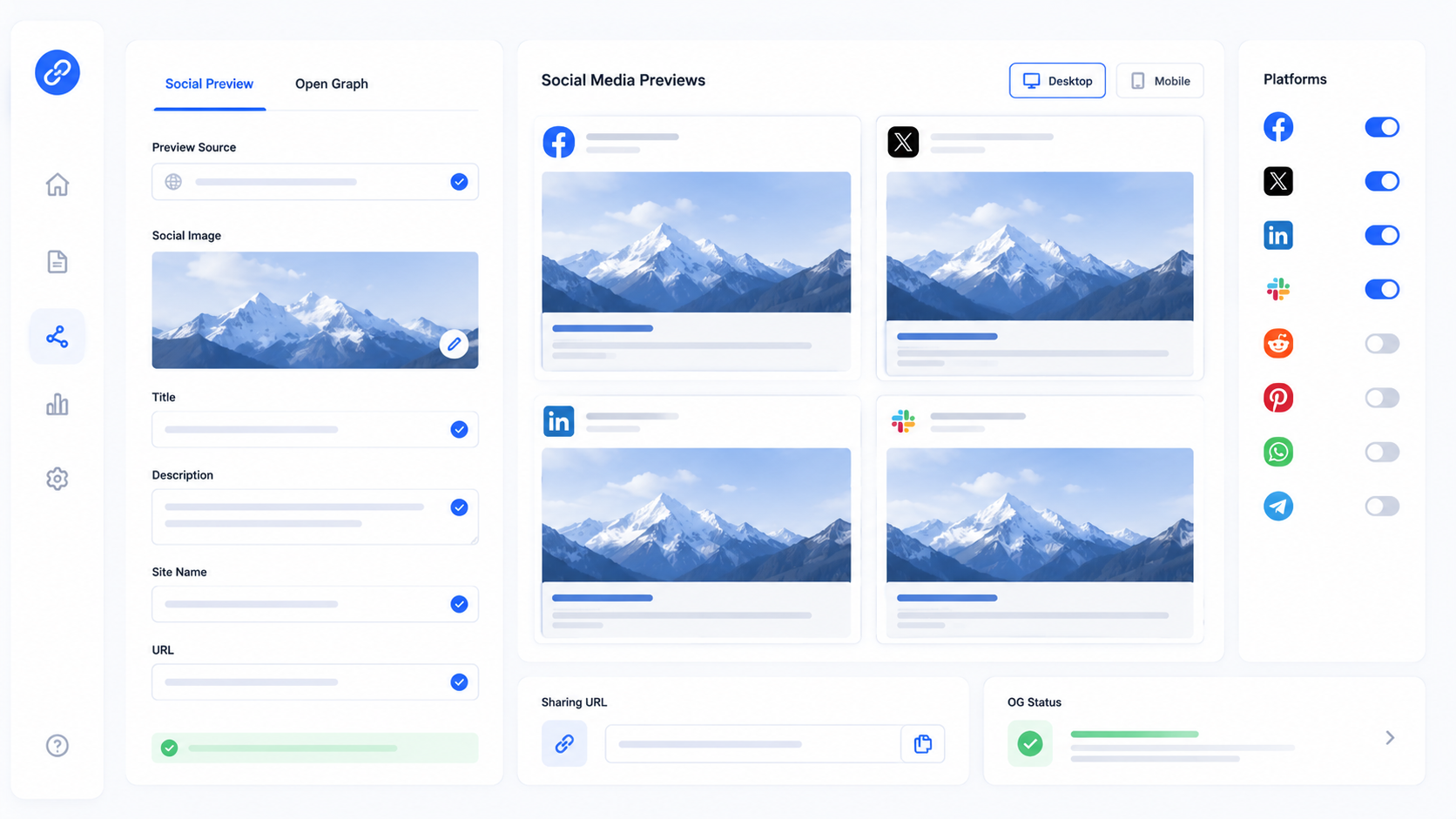
Open Graph is a protocol that enables any web page to become a rich object in a social graph. When you share a link on Facebook, Twitter, LinkedIn, or other social platforms, these platforms use Open Graph meta tags to determine what title, description, and image to display. Implementing Open Graph tags correctly is essential for controlling how your content appears when shared, which significantly impacts click-through rates and social media engagement.
What Is Open Graph?
Open Graph was introduced by Facebook in 2010 as a way to integrate web pages with the social graph. The protocol allows web pages to represent themselves as objects within Facebook's social graph, making them equivalent to Facebook pages. When someone shares your webpage on Facebook, the platform uses Open Graph tags to display a rich preview with an image, title, and description.
The protocol has since been adopted by other platforms including LinkedIn, Pinterest, Twitter (for certain card types), and various messaging apps. While each platform may have its own specific requirements, Open Graph tags provide the foundation for rich link previews across most social platforms.
Open Graph tags are placed in the <head> section of your HTML and follow a specific format. The basic syntax is <meta property="og:property_name" content="value">, where property_name specifies which aspect of the page you're describing and value provides the actual information.
Essential Open Graph Tags
The og:title tag specifies the title of your content as it should appear when shared. This should be concise, engaging, and accurately represent your content. Keep it under 60 characters to ensure it displays completely on most platforms. The title is the first thing users see in social previews, so make it compelling.
The og:description tag provides a brief summary of your content. This is your opportunity to entice users to click through to your website. Write compelling copy that highlights the value of your content and includes relevant keywords naturally. Keep descriptions under 200 characters for optimal display.
The og:image tag is perhaps the most important Open Graph tag. Images attract attention and significantly impact click-through rates. Use high-quality, relevant images with a recommended size of 1200x630 pixels for optimal display across all platforms. Images should be at least 1200 pixels wide and less than 5MB in size.
The og:url tag specifies the canonical URL of your page. This helps social platforms identify the correct page to associate with the shared link, preventing issues with duplicate content or URL variations. Always use the canonical URL, not a shortened URL or tracking parameter.
The og:type tag defines the type of your content. The default is "website" for general pages, but you can use "article" for blog posts, "product" for product pages, or other specific types depending on your content structure. Using the correct type helps platforms display your content appropriately.
The og:site_name tag specifies the name of your website. This provides branding context and helps users recognize your content when shared. Include this tag on all pages for consistent branding across social shares.
Twitter Card Tags
Twitter Cards are similar to Open Graph tags but specific to Twitter. They allow you to attach rich media to tweets that link to your content. While Twitter can fall back to Open Graph tags, implementing Twitter-specific tags gives you more control over how your content appears on the platform.
The twitter:card tag specifies the type of card to use. "summary" displays a small card with a thumbnail, while "summary_large_image" displays a larger image. Choose based on your content and visual assets. The large image card typically performs better for engagement.
The twitter:site tag associates your Twitter handle with the card, allowing users to easily follow you. Include the @ symbol in your handle. This is particularly valuable for building your Twitter audience through content sharing.
Twitter also supports twitter:creator to credit individual content creators, and specific image tags that can override the Open Graph image if you want different images for Twitter than other platforms.
Why Open Graph Matters for Social Media
Social sharing is a crucial component of modern digital marketing. When users share your content, you want it to look professional and enticing. Open Graph tags give you control over how your content appears, ensuring that your brand is represented consistently across all platforms.
Without Open Graph tags, social platforms will attempt to automatically extract information from your page, often resulting in poor or incorrect titles, descriptions, or images. This can lead to lower click-through rates and missed engagement opportunities. A generic or broken preview reflects poorly on your brand and discourages users from clicking.
Properly implemented Open Graph tags can significantly increase click-through rates from social media. Rich previews with compelling images and descriptions attract more attention and encourage users to engage with your content. This is particularly important for content marketing, where social sharing is a primary distribution channel.
Best Practices for Open Graph Implementation
Always use high-quality images that are relevant to your content. Avoid generic stock photos when possible. Images should be visually appealing and clearly represent your content. Test different images to see which generates the highest engagement.
Write unique, compelling descriptions for each page. Avoid using the same description across multiple pages, as this can appear spammy and reduce engagement. Tailor your descriptions to each platform's audience and character limits.
Test your Open Graph tags using social platform debugging tools. Facebook provides the Sharing Debugger, Twitter has the Card Validator, and LinkedIn offers the Post Inspector. These tools show you exactly how your content will appear when shared and help identify any issues.
Ensure your Open Graph tags are consistent with your page content. Misleading tags that promise content the page doesn't deliver will hurt your brand and lead to high bounce rates. Accuracy and transparency build trust with your audience.
Common Open Graph Mistakes
One common mistake is using images that are too small or the wrong aspect ratio. Images smaller than 1200 pixels wide may appear pixelated or fail to display properly. The recommended 1.91:1 aspect ratio (1200x630 pixels) works best across most platforms.
Another mistake is missing or incorrect og:url tags. Using the wrong URL can cause social platforms to associate shares with the wrong page, leading to incorrect like counts or engagement metrics. Always use the canonical URL.
Failing to update Open Graph tags when content changes is another common error. If you update your page title or featured image, ensure your Open Graph tags reflect these changes. Outdated tags can create confusion when users share your content.
Open Graph for Different Content Types
For blog posts, use the article type and include author information when available. This allows platforms to display author bylines and publication dates, adding credibility to your content. Article objects can also include section and tag information for better categorization.
For e-commerce products, use the product type and include pricing, availability, and product details. This enables platforms to display rich product information including prices and availability, which can drive sales directly from social shares.
For videos, use the video type and include video-specific tags. This allows platforms to embed playable video previews, significantly increasing engagement for video content.
Measuring Open Graph Performance
Track social sharing metrics using analytics tools to understand which content generates the most engagement. Analyze click-through rates from different platforms to identify what types of Open Graph configurations perform best.
Use social media platform analytics to see how your content performs when shared. Compare engagement rates for different images, descriptions, and titles to identify what resonates with your audience.
Monitor changes in engagement after updating Open Graph tags. If you notice improved performance after implementing better tags, apply those learnings across your site to maximize social media performance.
Advanced Open Graph Techniques
You can use multiple og:image tags to provide different image options for different platforms. For example, you might provide a square image for platforms that prefer square formats and a landscape image for those that prefer landscape. The first image is typically used as the default.
For dynamic content, you can generate Open Graph tags programmatically. This ensures that each page has accurate, relevant tags without manual intervention. Most content management systems and frameworks have plugins or built-in support for dynamic Open Graph tag generation.
Conclusion
Open Graph tags are essential for controlling how your content appears on social media. By implementing these tags correctly, you ensure your brand is represented consistently, your content looks professional when shared, and you maximize click-through rates and engagement from social platforms. Take the time to implement Open Graph tags on all your pages, test them using platform debugging tools, and monitor their performance. With proper Open Graph optimization, you can significantly improve your social media presence and drive more traffic to your website through social sharing.