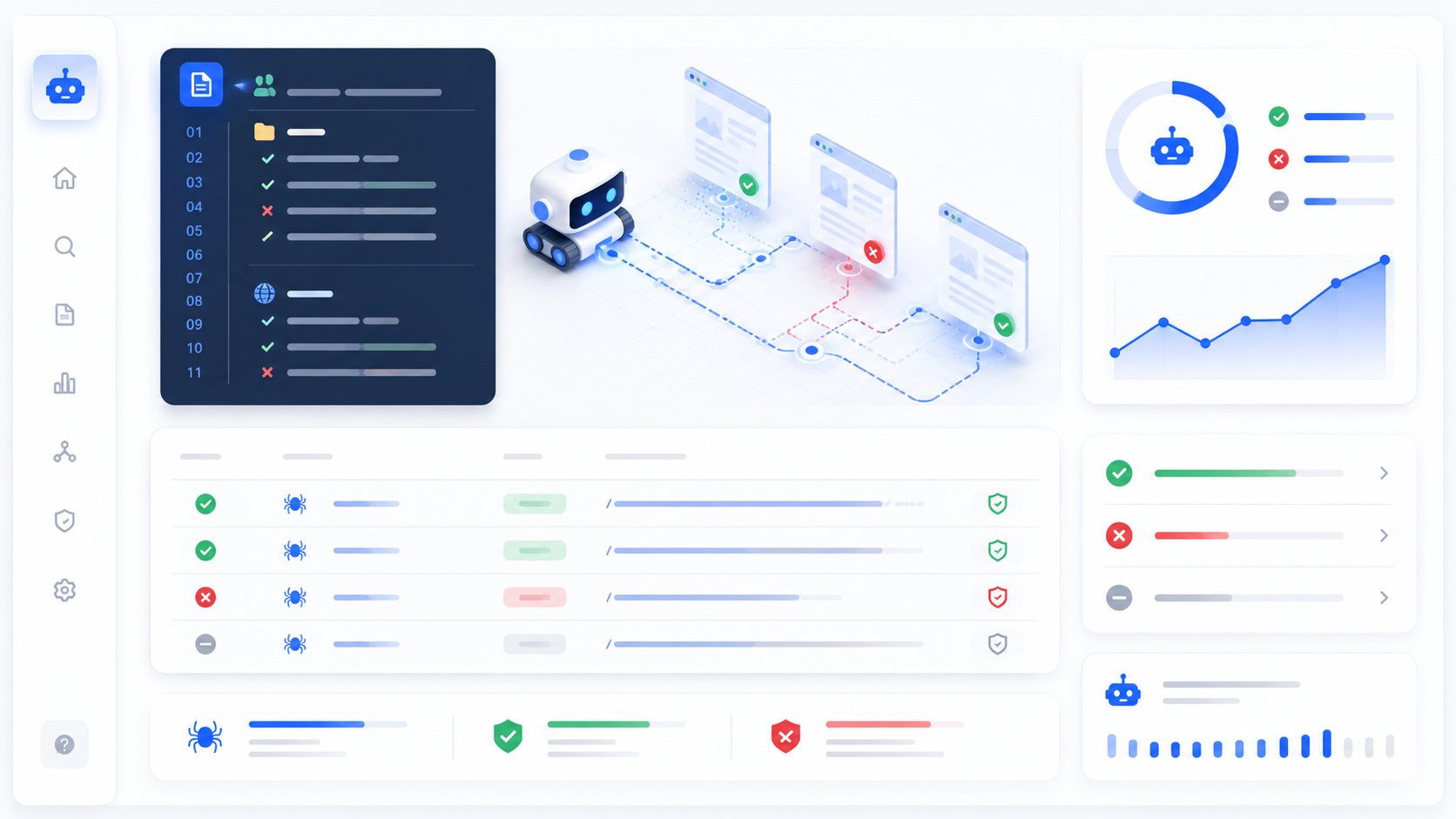
The robots.txt file is a fundamental component of website SEO that controls how search engine crawlers access your site. Despite its simplicity, a properly configured robots.txt file is essential for directing crawler traffic, protecting sensitive content, and optimizing your crawl budget. This guide explains what robots.txt is, how it works, and how to create one correctly for your website.
What Is robots.txt?
Robots.txt is a text file that webmasters create to instruct web robots (typically search engine crawlers) how to crawl pages on their website. The file is part of the Robots Exclusion Protocol (REP), a group of web standards that regulate how robots crawl the web, access and index content, and serve that content up to users.
When a crawler visits your site, it checks for the robots.txt file before accessing any other content. The file tells the crawler which parts of the site it can access and which parts it should avoid. This is particularly important for large websites with administrative sections, duplicate content, or pages that shouldn't appear in search results.
The robots.txt file must be placed in the root directory of your website, making it accessible at yourdomain.com/robots.txt. This is the standard location that all search engines expect and automatically check. Placing it anywhere else will prevent crawlers from finding it.
How robots.txt Works
The robots.txt file uses a simple syntax with two main directives: User-agent and Disallow. The User-agent directive specifies which robot the rule applies to, while the Disallow directive specifies which paths the robot should not access.
Here's a basic example:
User-agent: *
Disallow: /admin/
Disallow: /private/
This file tells all crawlers (indicated by the asterisk) to avoid the /admin/ and /private/ directories. All other parts of the site remain accessible for crawling.
Crawlers obey robots.txt by convention, not by technical enforcement. Malicious crawlers may ignore robots.txt entirely, which is why robots.txt should be used for controlling crawler access, not for securing sensitive information. For true security, use authentication and encryption.
Understanding User-Agent Directives
The User-agent line specifies which crawler the rule applies to. Using an asterisk (*) means the rule applies to all robots. This is the most common approach for general crawler control. However, you can specify individual crawlers like Googlebot or Bingbot to give different instructions to different search engines.
For example, you might want to allow Google to crawl your entire site while blocking other crawlers from certain sections:
User-agent: Googlebot
Disallow:

User-agent: *
Disallow: /admin/
This configuration allows Googlebot full access while blocking other crawlers from the admin directory. Use this approach carefully, as overly restrictive rules can prevent legitimate crawlers from accessing important content.
The Disallow Directive Explained
The Disallow directive tells robots which paths they should not crawl. Each path starts with a forward slash (/) and represents a directory or file on your website. Using Disallow: / blocks the entire site, while Disallow: /admin/ blocks only the admin directory.
Here are some common Disallow patterns:
Disallow: /private/ - Blocks the private directory
Disallow: /tmp - Blocks the tmp file
Disallow: /admin/*.pdf - Blocks all PDF files in admin
Disallow: / - Blocks the entire site
Be careful with Disallow directives. Blocking important pages can prevent them from being indexed, which will harm your SEO. Only block pages that genuinely shouldn't appear in search results, such as admin panels, user account pages, or duplicate content.
The Allow Directive
The Allow directive explicitly permits access to specific paths. This is useful when you want to disallow a directory but allow specific files within it. For example, you might disallow /private/ but allow /private/public-file.pdf.
User-agent: *
Disallow: /private/
Allow: /private/public-file.pdf
The Allow directive is less commonly used than Disallow but provides granular control when needed. Google's crawler respects Allow directives, but not all crawlers do, so don't rely on it for critical access control.
Crawl-Delay Directive
The Crawl-delay directive specifies how many seconds a crawler should wait between requests. This can help prevent server overload from aggressive crawling. For example, Crawl-delay: 10 tells the crawler to wait 10 seconds between requests.
User-agent: *
Crawl-delay: 10
However, not all crawlers respect this directive. Google, for example, doesn't use crawl-delay and instead determines crawl rate based on server response times and other factors. For controlling Google's crawl rate, use Google Search Console's crawl rate settings instead.
Sitemap Directive
The Sitemap directive provides the location of your XML sitemap. Including this helps search engines discover all your pages more efficiently, especially for large sites with complex structures.
Sitemap: https://yourdomain.com/sitemap.xml
While you can also submit your sitemap through search engine webmaster tools, including it in robots.txt provides an additional discovery method. This is particularly useful for new sites or sites that have recently added many new pages.
Common robots.txt Mistakes
One common mistake is blocking CSS and JavaScript files. Modern search engines render pages like browsers do, so they need access to these files to understand your site completely. Blocking them can result in poor indexing and lower rankings.
Another mistake is using robots.txt to hide sensitive information. Remember that robots.txt is publicly visible to anyone who visits yourdomain.com/robots.txt. Don't use it to hide URLs you don't want humans to find—for that, use password protection or noindex meta tags.
Don't use robots.txt to handle duplicate content. While you can block duplicate pages, it's better to use canonical tags to tell search engines which version to index. Blocking pages with robots.txt prevents them from being crawled, but canonical tags preserve link equity and handle the issue more elegantly.
Testing Your robots.txt File
Before deploying a robots.txt file, test it using search engine tools. Google provides the Robots.txt Tester in Search Console, and Bing offers similar tools. These tools show you exactly how crawlers will interpret your file and help identify syntax errors.
After deploying your robots.txt, monitor your site's crawl behavior in Search Console. Look for blocked URLs that should be accessible, and ensure important pages are being crawled and indexed. Adjust your robots.txt as needed based on this data.
Advanced robots.txt Techniques
For large sites, you might use multiple User-agent blocks to give different instructions to different crawlers. This is particularly useful if you want to allow certain search engines full access while restricting others.
Pattern matching with wildcards can create complex rules. For example, Disallow: /*.pdf blocks all PDF files across your site. However, keep your robots.txt simple—complex files are harder to maintain and more prone to errors.
When Not to Use robots.txt
Don't use robots.txt if you want pages removed from search results. Blocking pages with robots.txt prevents crawling, not indexing. If a page is already indexed or has links from other sites, it may still appear in search results. To remove pages from search results, use the noindex meta tag or password protection.
Don't use robots.txt for security purposes. It doesn't prevent access by humans or malicious bots. Use authentication, encryption, and proper security measures to protect sensitive content.
Conclusion
The robots.txt file is a powerful tool for controlling crawler access to your website. When used correctly, it helps search engines focus their crawl budget on your most important content, protects sensitive areas from unnecessary crawling, and improves overall SEO performance. Create your robots.txt file carefully, test it thoroughly, and monitor its impact on your site's crawl behavior. With proper robots.txt configuration, you can ensure that search engines discover and index your most valuable content while avoiding unnecessary crawler traffic.